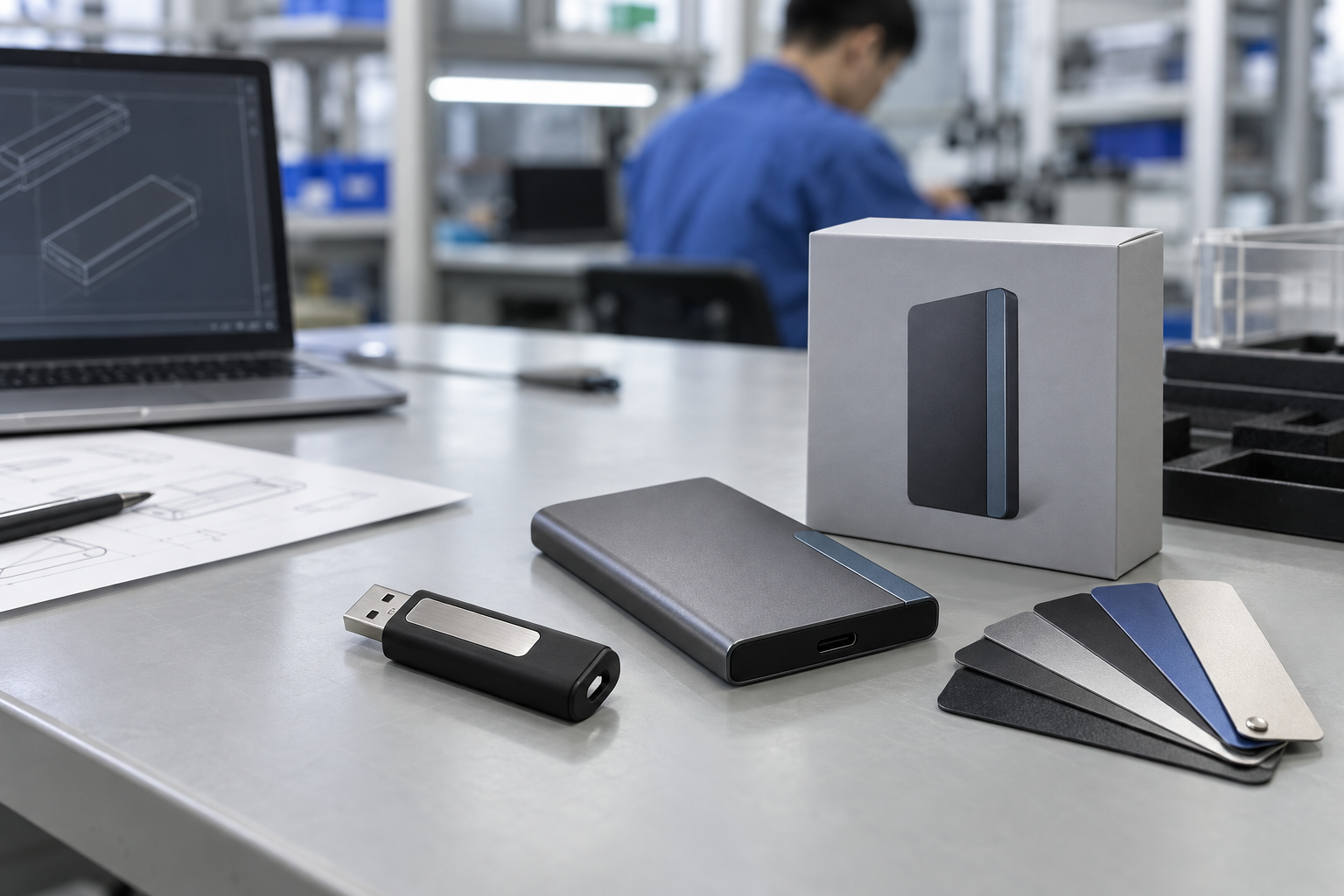
Quick answer: Choose a business USB drive from the recipient devices and product application first, then from the shell and branding style. USB-A, USB-C, and dual-interface options solve different access needs; metal, swivel, card, and standard bodies create different handling and branding experiences. Approve a physical sample on representative devices before bulk release.
Introduction
There is no universally correct USB drive type for a B2B program. A branded event handout, an offline training kit, a private-label channel SKU, and a controlled content-delivery drive have different device, capacity, packaging, and visual requirements. The buyer’s task is to turn these customer requirements into one documented configuration.
This guide covers usb flash drive types, business usb flash drives, usb a vs usb c flash drive, dual interface usb flash drive, custom usb flash drives bulk, and usb flash drive manufacturer.
1. Choose the Connector Around the Recipient
USB-A remains relevant for many established desktops, laptops, and industrial environments. USB-C can suit a known current device fleet. A dual-interface USB drive can help when a group includes both. The port shape should never be treated as a guarantee of universal compatibility or a specific transfer result: the host device, file system, cable or adapter where relevant, and complete product configuration all matter.
Create a short recipient-device map before requesting a quote. Record representative computers, tablets, or equipment, operating systems, and how the drive will be used. USB-IF offers public resources, but a physical project sample used on real target hosts is the meaningful approval point.
2. Match the Shell to the Workflow
| Drive format | Practical B2B use | Review on the physical sample |
|---|---|---|
| Metal body | Professional gift, client kit, durable-feeling item | Finish, logo contrast, edge and cap handling |
| Swivel body | Frequent handout, connector protection without loose cap | Swivel action, print area, recipient handling |
| Card style | Broad branding surface, campaign item | Print detail, thickness, packaging fit |
| Compact standard body | Simple distribution and deadline-led programs | Label clarity, connector fit, pack-out |
| Dual interface | Mixed USB-A and USB-C recipient group | Both connectors on representative devices |
Do not choose the most elaborate body by appearance alone. Consider whether recipients will carry it on a key ring, open it at an event, insert it into a crowded laptop port, or receive it in a box with a printed instruction. A physical sample reveals things that a rendering cannot.
Mid-article CTA — Need help selecting a USB format for your recipient devices? Send StorFlux your device mix, application, capacity, branding, packaging, quantity, and date. Send Your Requirements.
3. Capacity, Content, and Packaging
Capacity follows the approved content and intended remaining user space. A preloaded catalog, a software installer, and a reusable branded gift may need different capacity decisions. For content projects, nominate a customer content owner and prepare a dated manifest. Approve a completed sample that includes the actual product, files, and package.
Packaging supports the delivery purpose. Individual boxes, cards, pouches, or bulk trays can all be appropriate when they match the customer experience and logistics plan. Define labels, inserts, carton marks, and destination allocation in the written brief. See StorFlux OEM & ODM for the project inputs that help produce a sample-ready configuration.
4. Factory Testing and Release
Agree the project-specific scope before production. It can cover appearance, connector function, storage recognition, agreed capacity or content checks, logo, labels, individual packaging, carton marks, and quantity. If files are preloaded, check selected finished drives against the approved manifest. Compare shipment inspection against the final packed sample, not a bare engineering unit.
FAQ
Is USB-C always better than USB-A for a business program?
No. The right connector follows the actual recipients. USB-A can be the practical choice for established systems; USB-C can fit a known newer fleet; dual-interface can help a mixed group. Test a sample with representative devices.
What should I include in a custom USB RFQ?
Include recipient devices, interface, capacity, shell, artwork, packaging, preload requirement, quantity, destination, delivery date, sample approval, and inspection expectations.
How do I approve a business USB drive?
Review a physical sample for connector fit, finish, branding, packaging, and any completed content. Retain that reference for production and shipment inspection.
Conclusion
Business USB selection is a recipient and workflow decision before it is a style choice. Map real devices, select the connector and shell accordingly, approve a completed sample, and control factory testing and pack-out inspection. This makes custom usb flash drives bulk programs repeatable and useful.
Final CTA — Build a USB program that fits your recipients. Get a Quote or review StorFlux Products.
Sources and related StorFlux pages
Discuss your storage requirement
Send StorFlux the intended use, capacity, platform or device list, branding direction, quantity, and delivery target. We will help you convert it into a sample-ready B2B brief.
Get a Quote