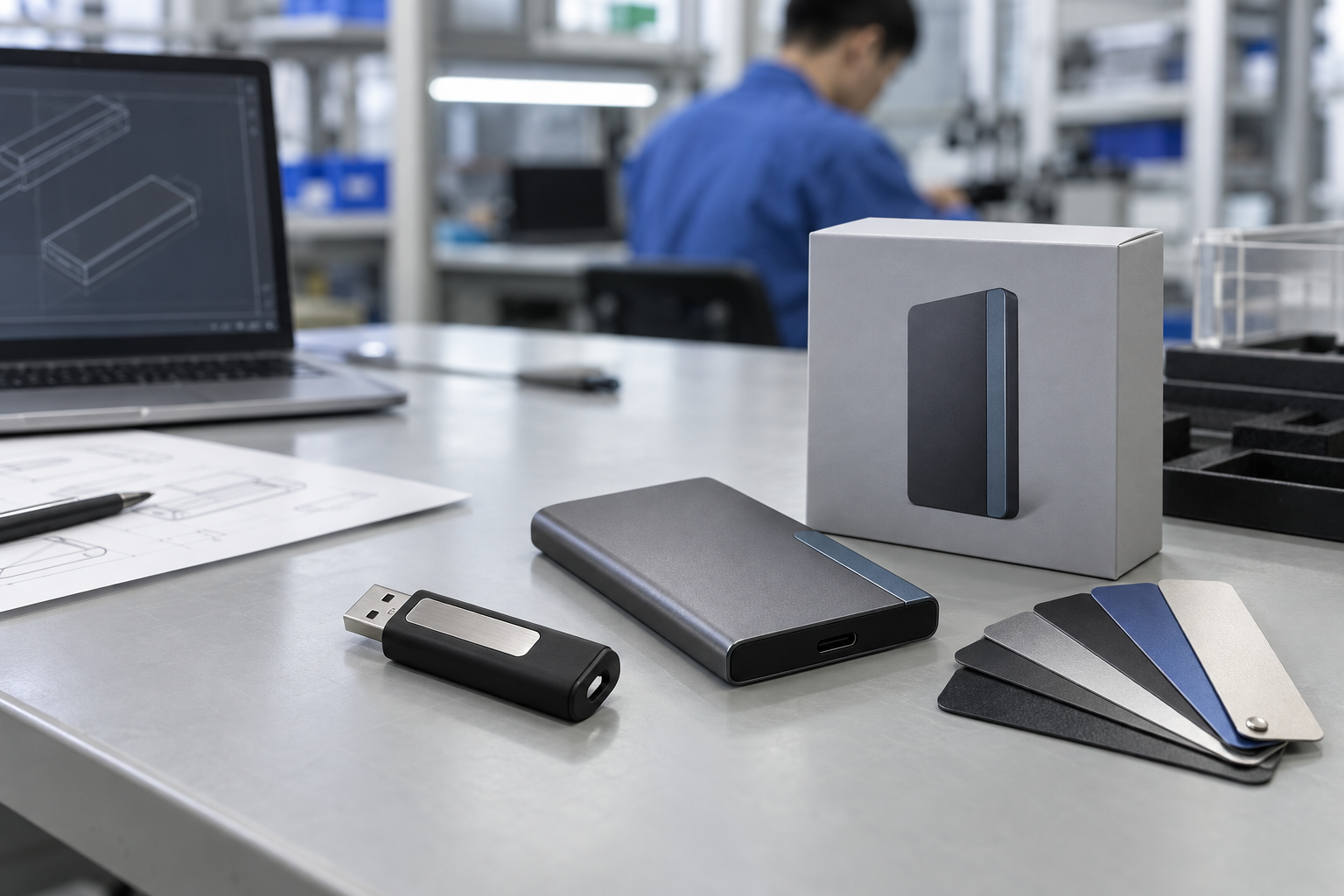
Quick answer: A reliable USB flash drive bulk order begins with a written application brief, not a capacity or unit-price request. Define recipient devices, interface, capacity, shell, branding, files, packaging, quantity, destination, sample approval, functional test, and shipment inspection. This gives a USB flash drive manufacturer a controlled specification and lets a buyer compare quotations on the same product basis.
Introduction
USB drives still solve useful B2B problems: handing over sales materials, delivering training files, supporting an event, including recovery information with hardware, building a promotional program, or supplying channel inventory. The apparent simplicity of the product can make sourcing deceptively casual. A buyer may request “64 GB metal USB drives with a logo” and receive quotes that look comparable while the connector, usable capacity, controller configuration, branding method, packaging, preload scope, and quality checks are all different.
For that reason, a usb flash drive bulk order should be managed like a small product program. The core task is not finding the lowest number in a spreadsheet; it is turning customer requirements into an approved sample and a release checklist. This guide is intended for distributors, promotional-product teams, private-label brands, and corporate procurement groups working with a usb flash drive supplier or usb flash drive manufacturer.
The practical terms covered here are usb flash drive bulk order, usb flash drive manufacturer, usb flash drive supplier, bulk thumb drives, custom usb flash drives bulk, and usb drive wholesale. They are useful search phrases, but they only create value when the buyer connects them to a real application.
1. Write the Requirement Before Asking for a Quote
Start with the job the drive must do. Is it a recipient gift, an unattended content-delivery item, a resale SKU, a service accessory, or an internal deployment tool? Each use changes the product decision.
Build a recipient-device map
Record the systems the drive will meet: USB-A computers, USB-C notebooks, mixed office hardware, tablets, kiosks, or a named equipment platform. A USB-C connector is not automatically the best choice for a mixed installed base. A USB-A option or dual-interface design may reduce friction. If the product will carry content, identify operating systems and any restrictions imposed by device management.
Define the file and capacity requirement
For a preload project, use the actual approved files rather than an early estimate. Include the delivered folder size, whether recipients need free storage, and the selected file system. For a channel item, select capacity tiers that match the intended price position and communicate clearly through the label and pack. Avoid presenting a generic performance claim unless it is tied to a specific configuration and a representative host test.
Put these details in the RFQ
| RFQ item | Decision to make | Why it prevents rework |
|---|---|---|
| Application and users | Event, channel, training, handover, or gift | Keeps the design relevant to real use |
| Interface | USB-A, USB-C, or dual interface | Avoids recipient compatibility surprises |
| Capacity and content | Required files and remaining user space | Makes the capacity choice defensible |
| Shell and finish | Metal, plastic, card, swivel, cap, color | Connects appearance with handling and logo area |
| Branding | Artwork, position, color reference, method | Creates a proofable approval target |
| Packaging | Bulk, individual box, card, insert, label | Keeps the delivered experience consistent |
| Quantity and destination | Quantity split, destination, due date | Supports realistic packing and logistics planning |
| Quality release | Sample, functional scope, pack-out checks | Makes inspection measurable |
2. Choose the Drive Format Around Use, Not Fashion
The selected shell affects durability, presentation, connector protection, branding area, and packing. A metal body may suit an executive kit; a card-style drive can provide a large print area; a swivel body can protect a connector without a loose cap. The correct answer depends on how the recipient will carry and connect the product.
For bulk thumb drives distributed at an event, a simple, consistently finished format may be more useful than an elaborate custom shape with a narrow approval window. For custom usb flash drives bulk programs, review the physical sample in ordinary light and with the intended packaging. A digital artwork proof cannot show logo contrast on a textured surface, cap fit, connector alignment, or the perceived quality in hand.
USB-A, USB-C, or dual interface?
Treat the port choice as a compatibility decision. USB-A remains relevant in many desktop, legacy, and industrial environments. USB-C can be appropriate for a current device fleet. A dual-interface drive may be the sensible procurement choice when a recipient group includes both. USB-IF provides useful public background resources, but the project standard should be a physical sample checked on the buyer’s representative devices.
3. Make Branding and Preload Separate Approval Gates
Branding is an engineering and production detail as well as a marketing request. Supply vector artwork, intended logo position, finish expectation, and any color reference. Confirm whether the selected shell supports the proposed marking method. Then review both the digital proof and the physical sample.
Preload also needs a controlled process. The buyer should nominate a content owner, provide final virus-scanned files, define the folder structure, and confirm the file system. Create a file manifest with filenames, folder paths, version date, and total size. On a sample, verify that the approved content opens on the representative hosts. This protects the customer requirements that the drive is meant to deliver—not merely the ability to mount as storage.
Mid-article CTA — Need a sample-ready USB brief? Send StorFlux the recipient-device mix, capacity, selected shell, artwork, packaging, content requirement, quantity, and destination. We can help turn it into a controlled RFQ. Send Your Requirements.
4. What a Product Sample Should Prove
A sample is a decision point, not a decorative formality. It should be evaluated against the written specification and, where possible, the intended application.
Sample review checklist
- Confirm the connector style and fit on representative devices.
- Check the casing, color, finish, cap or swivel action, and visible assembly quality.
- Compare logo size, placement, contrast, and orientation with the approved proof.
- Verify capacity or the agreed content set using the defined method.
- Open the preloaded files if preload is in scope.
- Review the individual package, inserts, labels, and carton-marking requirements.
- Save the approved sample reference and approval date with the order documentation.
This evidence makes the later production discussion clearer. It is also fairer to the usb drive wholesale supplier because the release target has been agreed before shipment pressure begins.
5. Factory Testing and Shipment Inspection
“Tested” is too vague to be a release criterion. State what will be checked, how the sample will be selected, and how exceptions are recorded. Depending on the project, a practical scope may include external appearance, connector function, storage access, capacity or approved-file verification, logo and label comparison, packaging completeness, carton marks, and count verification.
For preload programs, the shipment inspection should compare a selected sample with the approved file manifest. For branded programs, inspect the finished pack—not just an unboxed drive. A functional device that carries a misaligned logo, outdated insert, wrong label, or missing component does not meet the agreed recipient experience.
Keep the quality plan proportionate. A small campaign and a multi-market channel release do not necessarily need the same sampling plan, but both benefit from a clear approved sample and written release scope. StorFlux describes project-specific process context on its Quality page and Factory page; final inspection details should always be confirmed for the individual order.
6. Compare Quotes on a Like-for-Like Basis
When reviewing responses from a usb flash drive manufacturer, make a single comparison sheet. Include product configuration, interface, capacity, housing, branding, packaging, preload, sample timing, production timing, inspection scope, quotation validity, delivery term, and exclusions. If one offer includes a dual-interface body and individual retail pack while another does not, they are not directly comparable.
Ask for uncertainties to be written down. For example: which content version is assumed? Is logo setup included? Is an insert supplied by the buyer? Does the price include individual packaging? What test or inspection evidence is expected? Clear questions at RFQ stage reduce rushed decisions later.
7. Control Timing Without Guessing
Timing is best managed as a sequence of approvals. Artwork cannot be fully released until the drive format and marking area are understood. Packaging cannot be finalized until the product and pack dimensions are known. Preload cannot be completed until the customer files are frozen. A buyer who needs a fixed event date should work backward from the delivery date and identify the latest acceptable dates for artwork, physical sample approval, content release, packaging approval, and shipment release.
The supplier should be told which dates are firm and which are planning estimates. That enables a realistic discussion of sample and production stages instead of an unsupported promise. Where the order is split among destinations, identify the destination quantities and required carton marks early. The purpose is not to create paperwork for its own sake; it is to keep every party working from the same version of the order.
A practical approval record
Keep one simple project record containing the dated RFQ, quotation recap, artwork proof, physical-sample photographs, packaging reference, content manifest, inspection scope, and release decision. If the project changes, add the new version and clearly identify what it replaces. This record is useful for reorders as well: the buyer can reuse a proven configuration while still checking whether the target devices, files, regulations, or package requirements have changed.
Common Mistakes in USB Drive Wholesale
Treating the lowest unit price as the full cost
The lowest unit price can omit packaging, preload, special finishes, inserts, inspection, or configuration details. Compare the full delivered specification instead.
Approving only an artwork rendering
Screen proofs are valuable, but they do not replace physical review. Actual surface finish, print contrast, connector fit, and presentation need a sample.
Sending content late without version control
Uncontrolled files create avoidable rework. Nominate an owner, freeze a version, record it in a manifest, and test it before production.
Leaving inspection to an informal message
Document the shipment-release scope before production. Include the approved sample, logo proof, pack reference, and file manifest if relevant.
FAQ
What information should a USB flash drive bulk-order RFQ include?
Include application, recipient devices, interface, capacity, shell, artwork, branding method, packaging, preload requirement, quantity, destination, delivery date, and desired sample and inspection process. The more complete the brief, the more meaningful the comparison between suppliers.
How do I choose between USB-A and USB-C flash drives?
Choose around the actual user devices. USB-A suits many established environments; USB-C suits known current fleets. If users are mixed, a dual-interface sample checked on representative systems can be the practical decision.
Can a supplier preload customer files onto USB drives?
Yes, provided the buyer defines the final files, folder structure, file-system expectation, approval method, and verification standard. Use a versioned file manifest and confirm the completed sample before production.
What should shipment inspection cover?
The scope commonly covers visual finish, connector function, agreed storage or content checks, branding, labels, packaging, carton marks, and quantities. Set the actual inspection method in the project documentation.
Conclusion
A professional USB order is not complicated because the drive itself is complex; it is complicated because the drive carries a brand, content, and recipient experience. A structured RFQ, meaningful sample review, documented factory testing, and shipment inspection make the procurement decision clearer and more repeatable. That is the foundation for buying usb flash drive bulk order programs with confidence.
Final CTA — Plan a controlled branded USB program. Share your application, device mix, design, packaging, and delivery requirement with StorFlux. Get a Quote or explore OEM & ODM support.
Sources and related StorFlux pages
Discuss your storage requirement
Send StorFlux the intended use, capacity, platform or device list, branding direction, quantity, and delivery target. We will help you convert it into a sample-ready B2B brief.
Get a Quote