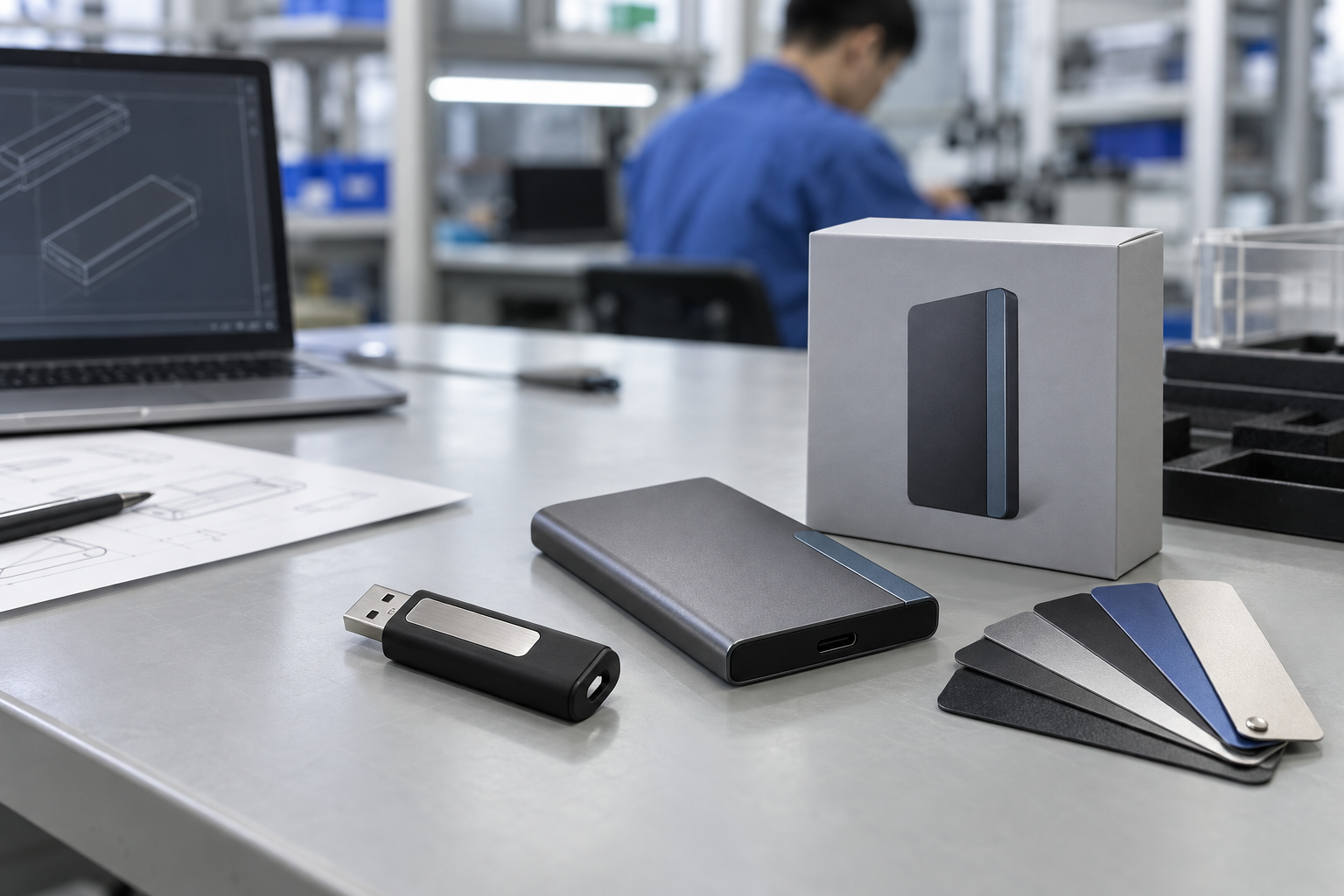
Quick answer: USB-C flash drives are a strong B2B option when the recipient group uses current USB-C laptops, tablets, or phones, but connector shape alone does not guarantee universal compatibility or a particular transfer experience. Before a bulk order, define the actual host devices, whether USB-A access is also needed, capacity, shell, branding, preload, packaging, test method, and shipment-release standard. A dual-interface USB drive can be the practical answer for mixed device groups.
Introduction
USB-C is now common on business notebooks, compact computers, tablets, and many mobile devices, so a USB-C flash drive wholesale program can make a branded storage item feel more current and convenient. It is especially relevant for customer kits, training materials, event gifts, software handover, and portable document libraries. But a USB-C connector should be treated as one requirement in a complete B2B brief—not as a shortcut for compatibility, speed, or product quality.
The buyer should first map the users’ hardware. A corporate audience may include new USB-C laptops, older USB-A desktops, docks, and personal devices. A university group may use a mixed lab environment. A distributor might need one product that can be offered across several countries. These situations often favor a dual interface USB flash drive rather than a USB-C-only item. The right answer depends on the installed base and how the recipient will use the product.
This article focuses on six terms: usb c flash drive wholesale, usb c thumb drive manufacturer, dual interface usb flash drive, custom usb c flash drive, usb c flash drive bulk, and usb c flash drive supplier. It explains how to turn those search phrases into a sample-ready procurement decision.
Start With the Host Device Matrix
List the types of devices users will connect: USB-C laptops, USB-A desktops, tablets, phones, docking stations, or specific industry equipment. Include operating systems and any device-management limits. This is more useful than asking a supplier for a generic “universal” drive.
USB-C only or dual interface?
A USB-C-only flash drive can be a clean fit when the recipient devices are known and standardized. A dual-interface design can reduce friction when the group uses both USB-A and USB-C. The trade-off may involve physical style, body size, cap or swivel mechanism, and branding area. Review a physical sample with the actual target devices before production.
Do not confuse connector shape with performance
USB-C is a connector format. The actual product behavior depends on the complete device configuration and the host. Buyers should define the user task—such as distributing PDFs, copying photos, or transferring a large media folder—then request a sample for representative testing. A claim should only be made when the test setup and configuration support it. USB-IF’s public resources are useful background, but the final check should be a real project sample.
Capacity, Content, and Product Form
Capacity follows the delivered content and the recipient’s expected use. For a preloaded catalog, calculate the final files plus operating room. For a client gift, decide whether the recipient should have free storage after receiving the materials. For a reseller SKU, select capacity options that are clear to the channel and compatible with the product’s intended market position.
The shell should support the program as well. A compact metal drive can suit a professional kit. A swivel or cap design can be useful where the connector needs protection. A card-style form offers a broad branding surface. A custom USB-C flash drive should be chosen with enough time for artwork proof, sampling, and packaging approval. The most elaborate shape is not always the best option for a deadline-sensitive campaign.
What to Ask a USB-C Flash Drive Supplier
| Question | Why it matters | Project evidence |
|---|---|---|
| Which connector configuration is proposed? | Prevents USB-C/USB-A assumptions | Product specification and host-device list |
| Is a dual-interface version available? | Helps mixed user groups | Physical sample checked on both port types |
| What capacity and file system are planned? | Connects product to content and devices | Approved sample with target files |
| Which branding method fits the shell? | Keeps artwork practical | Layout proof and physical logo sample |
| Can content be preloaded and verified? | Protects the information delivered | File manifest and content-sample check |
| What testing and inspection apply? | Creates a release standard | Agreed functional and pack-out checklist |
An effective USB-C flash drive supplier should turn this information into a clear configuration recap. The buyer can then compare quotations on the same basis, rather than comparing a USB-C-only drive, a dual-interface drive, and a different packaging level as though they were identical products.
Custom USB-C Flash Drive: Branding and Preload
Branding should be considered with the selected material. Provide vector artwork, a defined color reference where relevant, and the intended logo placement. Review a digital proof, then approve a physical sample. Inspect the object in ordinary light and handling conditions: logo contrast, alignment, surface texture, connector protection, and presentation all matter.
Preload needs a separate approval process. The buyer supplies the final, virus-scanned files through an agreed process. Define folder names, file-system format, whether files need to be read-only, and the final approval date. Test the content on representative USB-C and, where applicable, USB-A systems. The shipment inspection should check an agreed sample against the approved content list, not only confirm that the drive is detected.
Mid-article CTA — Need a USB-C or dual-interface recommendation? Send StorFlux your user devices, capacity, content, artwork, packaging, quantity, and delivery date. We will help you define a sample-ready storage brief. Send Your Requirements.
Factory Testing and Shipment Inspection
Testing must be described rather than assumed. Depending on the project, the agreed scope can include appearance, logo and label checks, connector function, storage access, capacity or agreed file checks, preload verification, packaging, and carton marks. The specific method and sample approach should be set in the order documentation.
For a branded bulk program, inspect the finished pack. A working drive with an incorrect logo, missing insert, wrong cable, or incomplete carton label does not meet the approved customer experience. Keep the physical sample, artwork proof, packaging reference, and file manifest together so that production, inspection, and buyer teams use the same standard.
Common Mistakes
Ordering USB-C without checking the installed base
Many B2B groups are mixed. Confirm whether USB-A is still needed and whether a dual-interface solution creates a simpler recipient experience.
Choosing capacity before the content is final
Ask for the expected folder size and leave appropriate working room. A larger number is not automatically a better gift or channel SKU.
Approving only a screen proof
Physical sampling is where logo contrast, connector geometry, cap fit, packaging, and user handling become visible.
Treating data preload as an informal note
Use a final content owner, versioned files, a sample check, and a shipment-inspection reference. Content is a product deliverable when it is part of the campaign.
FAQ
Are USB-C flash drives compatible with USB-A computers?
Not directly unless the design includes a USB-A interface or the user uses an appropriate adapter. For mixed recipient groups, a dual-interface drive can be a practical option. Test the intended product with representative systems before a bulk order.
What should I include in a USB-C flash drive bulk RFQ?
Include the user devices, USB-C-only or dual-interface need, capacity, expected content, preferred shell, branding, packaging, quantity, destination, delivery date, and inspection expectations.
Can USB-C flash drives be preloaded with customer files?
Yes. Define the final content source, folder structure, file-system format, approval process, and verification method. Sample the completed content before production.
How do I inspect a custom USB-C flash drive order?
Check the product configuration, connector function, capacity or agreed files, logo, labels, packaging, carton marks, quantities, and preloaded content if applicable. Compare against the approved sample and written specification.
Conclusion
USB-C flash drives can support practical, current B2B storage programs when they are selected around real recipients and real devices. Start with the host-device matrix, then decide on USB-C-only or dual-interface access, capacity, branding, preload, packaging, and testing. This turns a connector choice into a reliable branded product program.
Final CTA — Build a USB-C storage program that fits your recipients. Tell StorFlux about your device mix, content, branding, and delivery goal. Get a Quote or explore OEM & ODM services.
Sources and related StorFlux pages
Discuss your storage requirement
Send StorFlux the intended use, capacity, platform or device list, branding direction, quantity, and delivery target. We will help you convert it into a sample-ready B2B brief.
Get a Quote