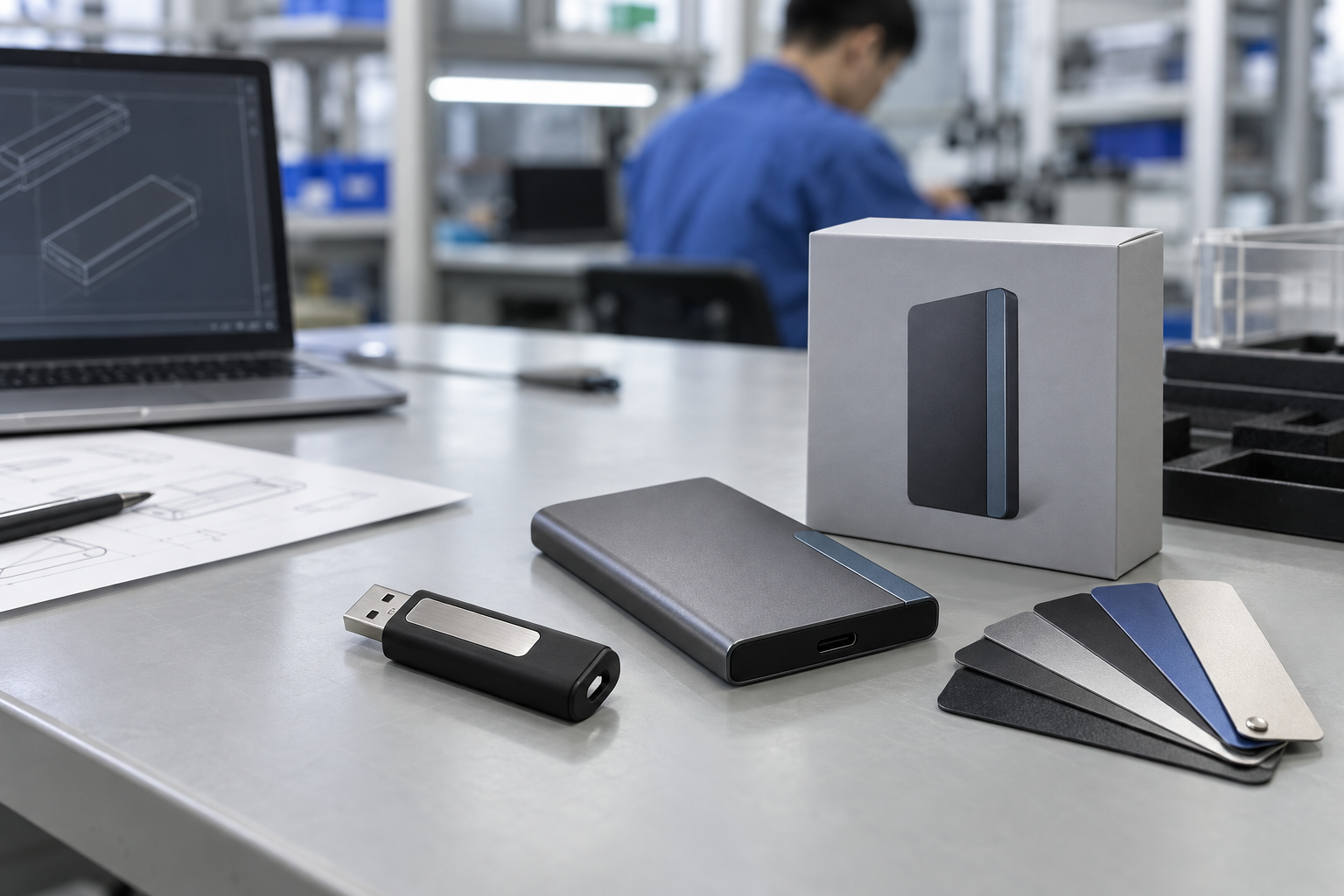
Quick answer: Software-delivery USB drives require a controlled content process as well as correct hardware. Define the target devices, approved installer package, folder structure, version owner, capacity, connector, completed sample, and shipment-verification method before bulk production.
Introduction
An offline software installer, product image, firmware package, recovery resource, or customer implementation kit can make a USB drive a useful delivery medium. In this setting the drive is not simply a branded promotional item; it carries a versioned business deliverable. The buyer must ensure that the actual recipient can access the approved files on the intended device.
This guide covers custom usb drives for software delivery, preloaded usb drives bulk, usb software installer drive, usb flash drive duplication service, branded usb drives with data, and usb flash drive supplier.
1. Define the Recipient System and File Package
Record the target computers or equipment, operating systems, ports, expected file size, capacity, and whether the recipient needs USB-A, USB-C, or a dual-interface product. Confirm the intended installation workflow with the responsible customer technical team. A connector or file-system choice should be sample-tested on representative systems, not inferred from a generic product description.
Name one final content owner. They should provide a dated master package and confirm the release version. Create a manifest with top-level folders, key filenames, version date, total size, and approval. This establishes an objective reference for the supplier and protects against the common problem of loading a late but unapproved attachment.
2. Approve a Completed Sample
The physical product sample and the content sample should be reviewed together before a bulk release. Check the drive’s connector, finish, logo, label, capacity, and packaging. Then open the expected folders on the target host and have the responsible team confirm that the installer or documentation is the intended version. If the product needs a “start here” instruction, approve it as part of the pack-out.
Mid-article CTA — Need an offline software-delivery USB brief? Send StorFlux your target devices, final-file size, content owner, branding, packaging, quantity, and release date. Send Your Requirements.
3. Factory Testing and Shipment Inspection
Agree a clear factory-testing and release scope. It may include appearance, connector function, storage recognition, selected file or folder checks, logo, labels, individual packs, inserts, carton marks, and quantity. For preloaded drives, selected finished items should be compared to the approved file manifest and completed sample. A drive that mounts but carries an earlier software version does not meet the customer requirement.
Define the data-transfer and retention process with the customer’s own IT or security team when files are sensitive. StorFlux can follow the agreed project procedure; the buyer remains responsible for authorizing the content and handling method. See the USB preload guide and Quality page for related release controls.
FAQ
What should I send for a software-delivery USB quote?
Send the target devices, interface, file size, capacity, final content owner, folder structure, branding, packaging, quantity, destination, sample plan, and inspection expectations.
How do I prevent the wrong software version being loaded?
Use one content owner, a dated master package, a manifest, a completed sample, and selected shipment checks against the approved version.
Can a branded USB drive include a customer installer?
Yes, provided the buyer defines the final files, device requirements, approval process, and preload verification method.
Conclusion
Software USB delivery works when content control and product sourcing are treated as one release process. Map target devices, freeze approved files, test a completed sample, and verify selected finished drives against the manifest.
Final CTA — Deliver approved software on a branded storage product. Get a Quote or review StorFlux OEM & ODM support.
Sources and related StorFlux pages
Discuss your storage requirement
Send StorFlux the intended use, capacity, platform or device list, branding direction, quantity, and delivery target. We will help you convert it into a sample-ready B2B brief.
Get a Quote